
Disclosure: As an Amazon Associate I earn from qualifying purchases. This article contains affiliate links. If you purchase through these links, we may earn a commission at no additional cost to you.
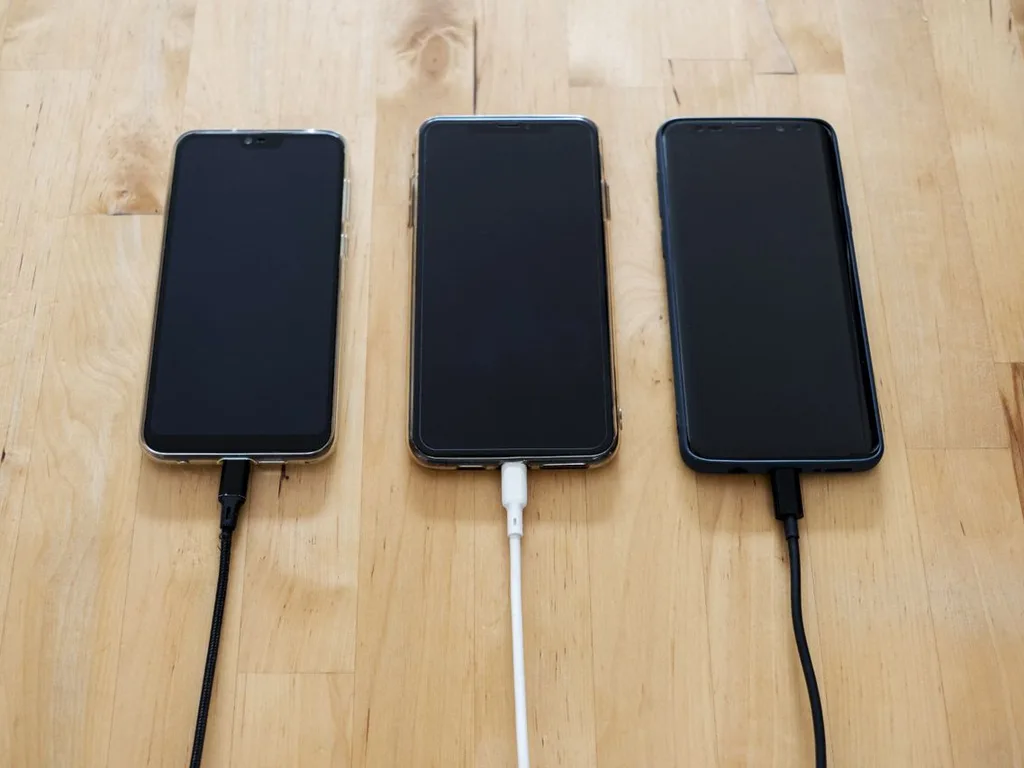
A nightstand slowly turns into a cable drawer lying flat: one USB-C cable for the phone, a magnetic puck for the watch, a short cable for the earbuds case, and a power strip hiding behind the bed. Finding the best bedside charging station for phone watch earbuds use is mostly about ending that tangle — one dock, one cable to the wall, and every device in the same place every morning. A good 3-in-1 wireless charging station charges a phone on a pad or stand, a smartwatch on a raised puck, and an earbuds case on a smaller pad, all from a single USB-C power adapter.
This guide walks through the checks that actually separate a tidy, reliable dock from a slow, warm one: charging standards, wattage per pad, magnetic alignment, whether a power adapter is included, and the small safety details that matter on a table you sleep next to. It suits anyone who charges three devices overnight and wants the nightstand back.
Quick Verdict
For most bedrooms, the right choice is a 3-in-1 station with a magnetic phone stand (so alignment is automatic and the screen can double as a bedside clock), a dedicated watch puck matched to your exact watch brand, and a low-power pad for the earbuds case. Look for clear per-pad wattage on the listing, a USB-C input, and a power adapter in the box — or budget for a separate USB-C PD adapter with enough output for all three pads at once. Skip the very cheapest unbranded docks: weak magnets, vague wattage and missing safety listings are where overnight charging goes wrong. If you only ever charge a phone, a single wireless charging pad for bedside use is cheaper and smaller; the station earns its space when all three devices land on it nightly.
Important: Watch chargers are not interchangeable. Apple Watch and Samsung Galaxy Watch use different magnetic pucks and charging protocols, and many stations are built for one or the other. Check the listing title and compatibility list against your exact watch model before ordering — a station that fits your phone perfectly can still leave your watch uncharged.
What to Look For Before You Buy
Compatibility first: phone, watch and earbuds standards
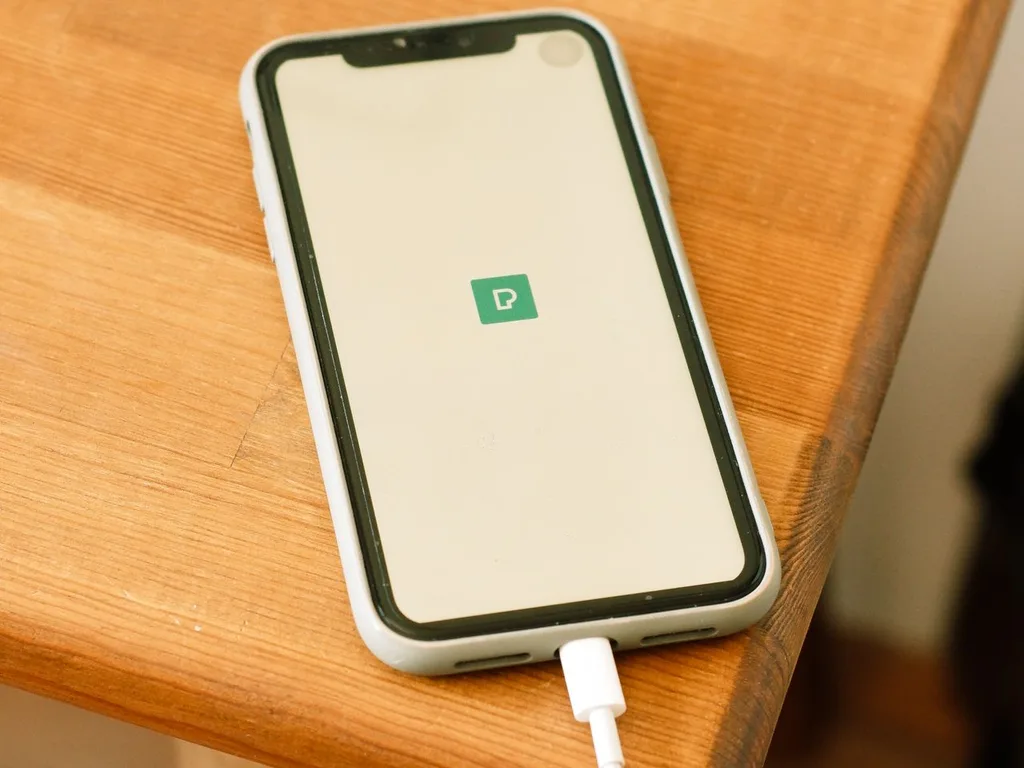
Start with the devices, not the dock. Phones charge over the Qi or Qi2 standard, and newer phones with magnetic rings align themselves on magnetic pads for a more reliable connection. Earbuds cases from most major brands charge on a standard low-power Qi pad. The watch is the picky one: confirm the puck type, and check that the station supports your phone’s case — most pads charge through slim cases, but thick wallet cases, metal plates and magnetic card holders usually have to come off. If your household mixes two phone brands, a flat pad layout is more forgiving than a shaped stand.
Wattage per pad, stated plainly
A good listing states the output of each charging spot separately. Magnetic phone pads commonly deliver up to 15W to compatible phones, watch pucks draw only a few watts, and earbuds pads are low-power by design. What matters practically: the combined draw of all three. If the station needs a 30W or stronger USB-C PD adapter to reach its stated speeds and the box contains only a cable, you will get slow charging until you add the right adapter. “Adapter included: yes/no” is one of the most useful lines on any listing — check it before price.
Magnetic alignment and stand angle
The daily frustration with flat pads is waking to a phone that slid two millimetres off the coil and never charged. Magnetic phone stands remove that problem: the phone snaps to the same spot every night, and the upright angle works with standby clock modes and alarm apps. If you read in bed, look for a stand angle that suits propping against pillows — fixed stands vary — and a base heavy or wide enough that the phone does not tip the dock when you tap snooze.
Heat, noise and bedside manners
Wireless charging is less efficient than a cable, so some warmth is normal; a dock that runs hot to the touch, whines, or has a fan you can hear across a quiet bedroom is the wrong dock. Check the listing for over-temperature and foreign-object protection, and look for recognised safety marks (such as FCC and Qi certification) rather than none at all. A dim or switch-off-able status light matters too — a bright blue LED that cannot be turned off is a common reason these stations end up in a drawer.
Footprint and spare ports
Measure your nightstand surface. Upright stations have a smaller footprint than wide flat mats, and folding travel designs flatten into a drawer. A spare USB port on the back is genuinely useful for a fourth item — a partner’s cable, an e-reader — and turns the station into a small nightstand cable organizer as well, since every remaining cable can route behind one unit instead of three adapters fighting over the wall outlet.
The Main Types Compared
Four layouts cover almost every bedside charging station sold. The differences are mostly about footprint, alignment and whether the station travels with you.
| Type | Best for | Strengths | Watch out for |
|---|---|---|---|
| Upright stand dock | Nightly all-in-one charging | Magnetic snap alignment; phone works as clock; small footprint | Fixed angle; check watch puck type |
| Flat charging mat | Mixed-brand households | Forgiving placement for two phones; simple | Easy to misalign a pad; larger surface needed |
| Folding travel station | Frequent travellers, small nightstands | Folds flat; one adapter for hotel rooms | Hinges and lighter build; lower total wattage on some |
| Station with lamp or clock | Minimalist nightstands | One device replaces two or three | Light controls and alarm features vary widely in quality |
Upright stand docks
The most popular layout for a reason: phone upright on a magnetic stand, watch puck on an arm or tower behind it, earbuds on the base. It keeps the phone screen useful overnight and takes the least nightstand space. Choose this type if all three devices are yours and the watch brand matches.
Flat charging mats
A flat mat suits couples or mixed devices better than any stand, because either side can take a phone. The trade-off is discipline: without magnets guiding placement, a sleepy drop can miss the coil. Mats also need the widest clear surface, which small nightstands may not have.
Folding travel stations
These fold into a slim square and open into a 3-in-1 dock in a hotel room, which makes them the best bedside charging station style for people who travel weekly. At home they work fine, though the lighter build and hinges make them feel less solid than a fixed stand, and total charging speed is sometimes lower.
Stations with a lamp or clock built in
Combining the dock with a small lamp or alarm clock clears the most clutter. Judge the extras strictly: a dimmable warm light and a simple clock display help; a tangle of touch controls you will hit accidentally at 2 a.m. does not. If the extras fail, you still want the charging side to be sound on its own.
Pros and Cons
Pros
- One adapter and one cable replace three chargers and a crowded power strip.
- Magnetic alignment makes a dead-phone morning far less likely.
- Every device has a fixed home, which keeps the nightstand clear and mornings faster.
- An upright phone doubles as a bedside clock and alarm screen.
Cons
- Wireless charging is slower and warmer than plugging each device into a fast cable.
- Watch compatibility splits the market; the wrong puck means a useless dock.
- Many stations need a stronger USB-C adapter than the cable included in the box.
- Thick, metal or wallet-style phone cases usually have to come off to charge.
Who Should Buy It — and Who Should Skip It
Buy a 3-in-1 bedside station if you own a phone, a smartwatch and wireless earbuds, charge them all overnight, and your nightstand currently hosts a knot of cables. It is also a genuinely good fix for households arguing over the one good adapter. Skip it if you charge only a phone (a single pad is enough), if you depend on the fastest possible wired charge before early starts, or if your watch and phone come from ecosystems the listing does not name — no station is universal, whatever the headline says.
Helpful Tips for a Safer, Tidier Nightstand
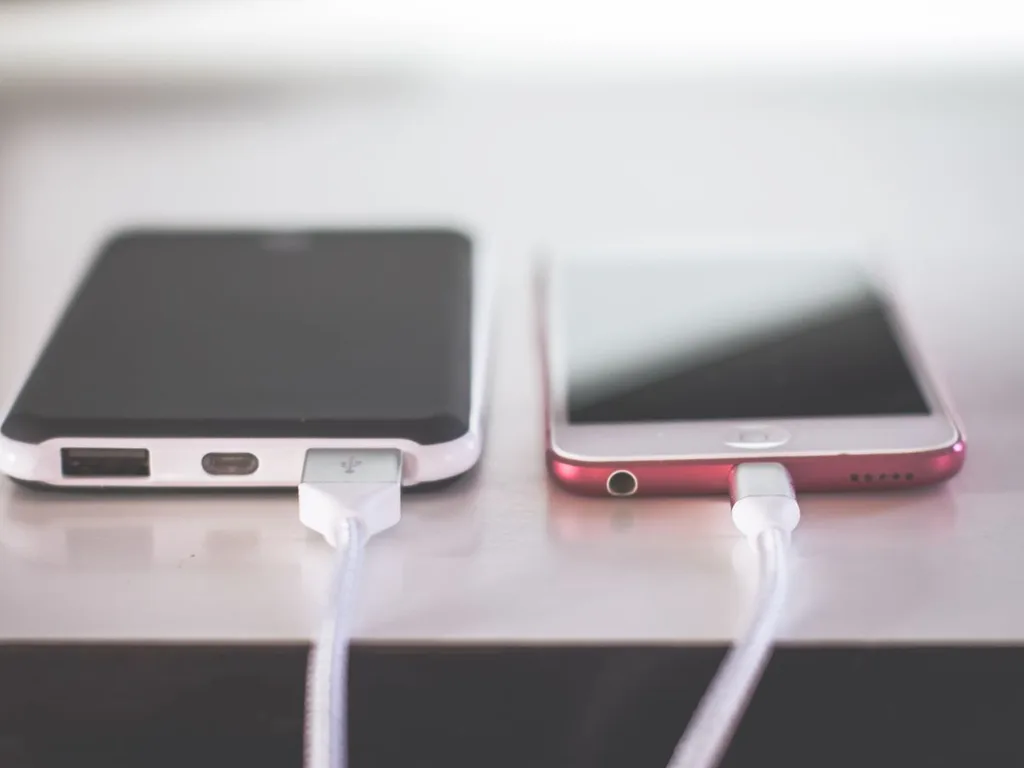
Route the station’s single cable down the back of the nightstand and fix it with a small adhesive clip; the whole point of a dock is lost if its own cable drapes across the bed. Keep a glass of water on the far side of the table from the electronics, and never charge devices on the bed itself or under a pillow, where heat builds up. Once a month, wipe the pads with a dry cloth — dust and grit on a pad or puck scratch phone glass and watch casings over time. If charging seems slow, remove the phone case for a night as a test: cases thicker than roughly 5mm, or any case with metal in the back, are the most common hidden cause.
Think of the dock as part of the wider nightstand reset. The same small surface usually holds an alarm, a light and a book; pairing the station with a sunrise alarm clock and a cooling pillow turns the whole bedside into a sleep setup instead of a charging shelf. If dry air is the other thing waking you, a quiet bedroom humidifier is the usual third piece. For more bedroom ideas in one place, start from the Ideas Home Accessories homepage and work by room.
Important: Charge on a hard, flat surface with air around the dock, and retire any cable with a frayed or cracked jacket. A charging station runs unattended for hours beside your bed — intact cables and a certified adapter are not optional extras.
Frequently Asked Questions
Will a 3-in-1 charging station work with any phone, watch and earbuds?
Not any — compatibility is specific. The phone needs Qi or Qi2 wireless charging, the earbuds case needs a wireless-charging lid (not standard on every model), and the watch puck must match your watch brand and generation. Read the listing’s compatibility list literally; if your exact models are not named, assume it was not designed for them.
Is a bedside charging station slower than separate cables?
Usually, yes. A magnetic pad delivering up to 15W is convenient but slower than a modern wired USB-C fast charge, and three devices sharing one adapter share its total output too. For overnight charging the difference rarely matters — everything has six to eight hours — but keep one fast cable in a drawer for top-ups before you head out.
Can I leave my phone on the charging station all night, every night?
Yes — modern phones manage their own charging and stop drawing meaningful power when full, and most stations are designed for overnight use. Gentle habits help battery health over years: avoid charging on soft bedding, keep the dock out of direct sun, and if your phone offers an overnight charge limit or optimised charging setting, turn it on.
Do I need to buy a separate power adapter for a charging station?
Often, yes. Many stations include only a USB-C cable. Check the listing for the adapter wattage the station requires to hit its stated speeds — commonly a USB-C PD adapter of 30W or more — and whether one is in the box. An old 5W phone brick will power the dock slowly or not fully, which is a common cause of disappointing first impressions.
Will the station charge through my phone case?
Slim, non-metal cases usually charge fine, including most magnetic cases, which actually improve alignment. Thick rugged cases, wallet cases holding cards, metal plates, ring grips and pop-up stands generally block or weaken charging. When in doubt, the listing’s stated maximum case thickness is the number to check against your case.
Is it safe to have a charging station next to the bed all night?
A certified station on a hard nightstand surface, with intact cables and the manufacturer’s adapter specification, is a normal household appliance. Sensible habits cover the rest: nothing charging under pillows or bedding, liquids kept away, and any unit that becomes hot to the touch, smells of hot plastic or makes a buzzing noise should be unplugged and replaced.
Final Thought
The best bedside charging station for phone watch earbuds setups is not the one with the longest feature list; it is the one whose watch puck matches your watch, whose adapter is actually included or honestly specified, and whose magnets put your phone in the right place when you are half asleep. Check those three things on the listing, pick the layout that fits your nightstand, and the cable tangle is gone for good. Compare the current option at the link, confirm your three model names against its compatibility list, and order once.
Disclosure: As an Amazon Associate I earn from qualifying purchases.